Online Document Scanner
Scan documents, receipts, and ID cards online and save them as PDFs using your webcam or mobile camera. Crop, rotate, enhance, and filter scans directly in your browser - no app required.
How to Use Online Scanner
1. Capture Image
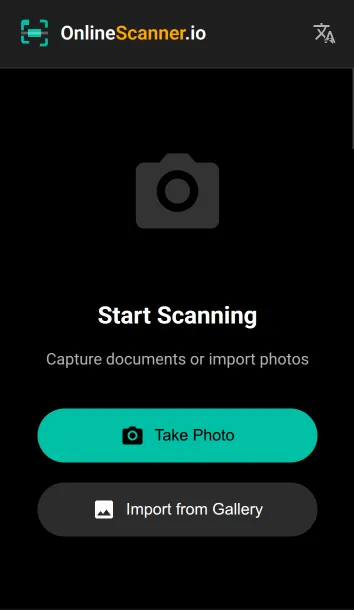
Use your camera to take a photo or upload an image from your gallery. For ID cards, capture both front and back on single page.
2. Select Mode
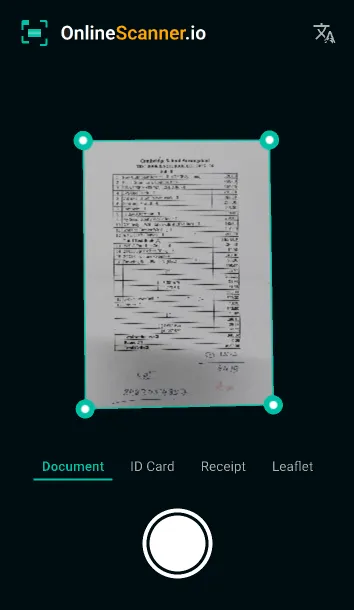
Choose "Document", "ID Card", or "Receipt" mode depending on what you want to scan.
3. Adjust & Crop
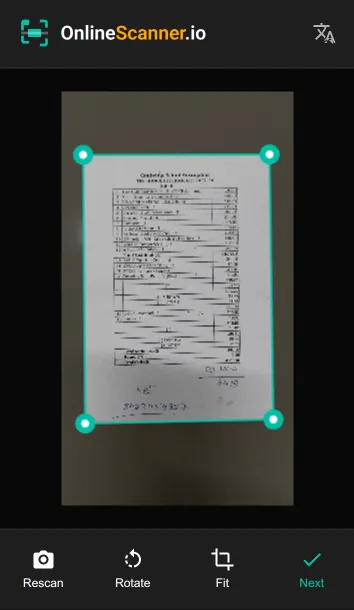
Drag the corners to fit your document precisely. Our tool automatically detects page corners and corrects perspective.
4. Edit & Save
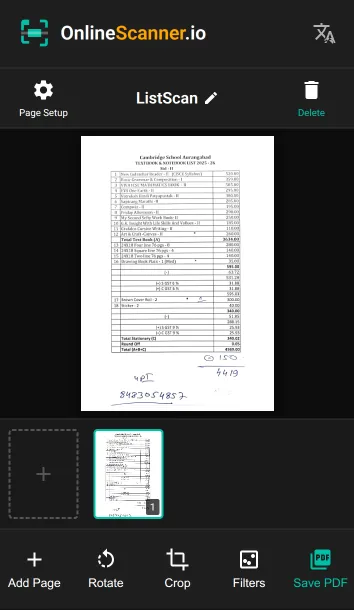
Apply filters like "Better", "Smart" or "B&W", rotate pages, and download your file as a PDF.
Key Features
No Installation
Works directly in your browser. No app download or registration required.
100% Secure
All image processing happens locally on your device. Your data is never uploaded to our servers.
High Quality
High-resolution scanning with smart corner detection and image enhancement filters.
Dark Mode
Modern dark theme interface that's easy on the eyes and battery efficient.
Batch Scanning
Scan multiple pages sequentially and combine them into a single PDF document easily.
Smart Crop
Intelligent edge detection helps you quickly crop documents for a professional finish.
Frequently Asked Questions
Is OnlineScanner.io free to use?
Yes, OnlineScanner.io is completely free to use with no hidden fees or limitations.
Can I scan documents on mobile devices?
Absolutely. The online scanner works smoothly on mobile browsers, allowing you to scan documents using your phone’s camera anytime.
What file formats are supported?
You can upload images in formats such as JPG and PNG. All scanned documents can be downloaded as PDF files or image formats.
Does OnlineScanner.io work offline?
Yes. Once the page is loaded, all processing happens locally in your browser, so it continues working even without an internet connection.